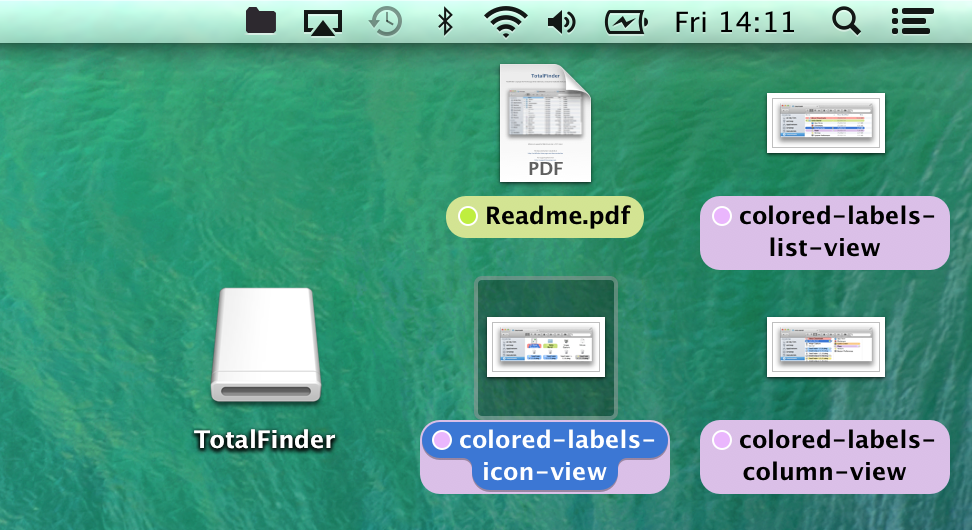
This feature is available under macOS 10.9 (Mavericks) and later, introduced in TotalFinder 1.6.
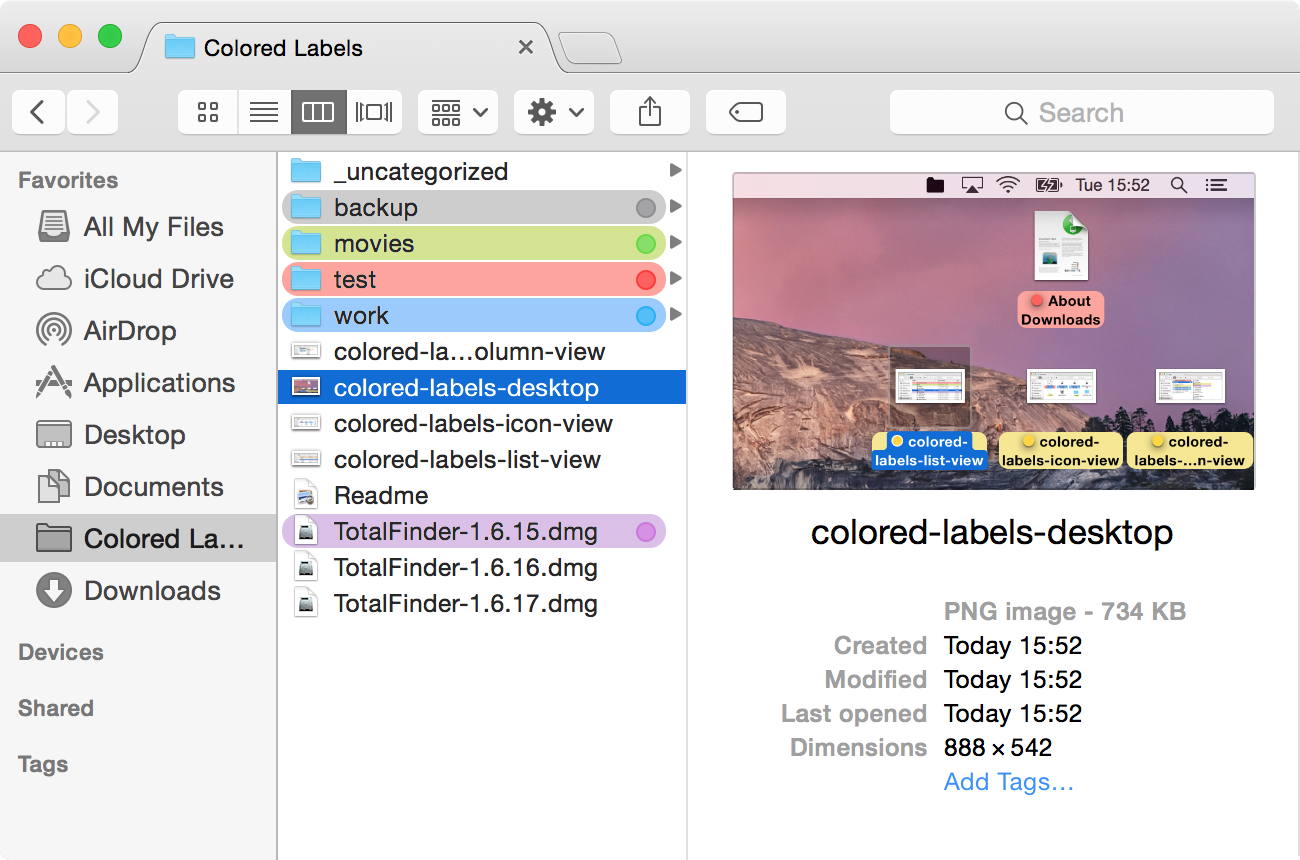
Colored Labels like in the old times™
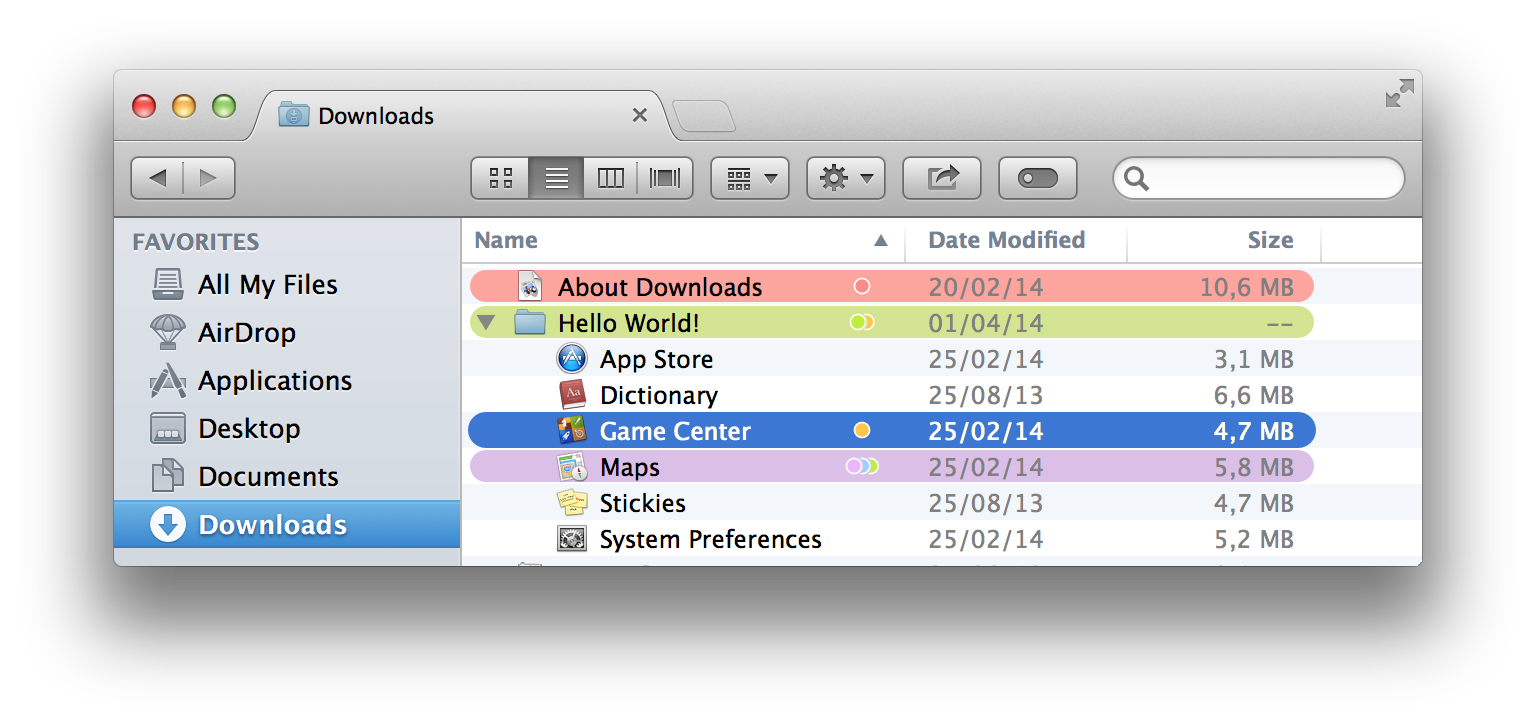
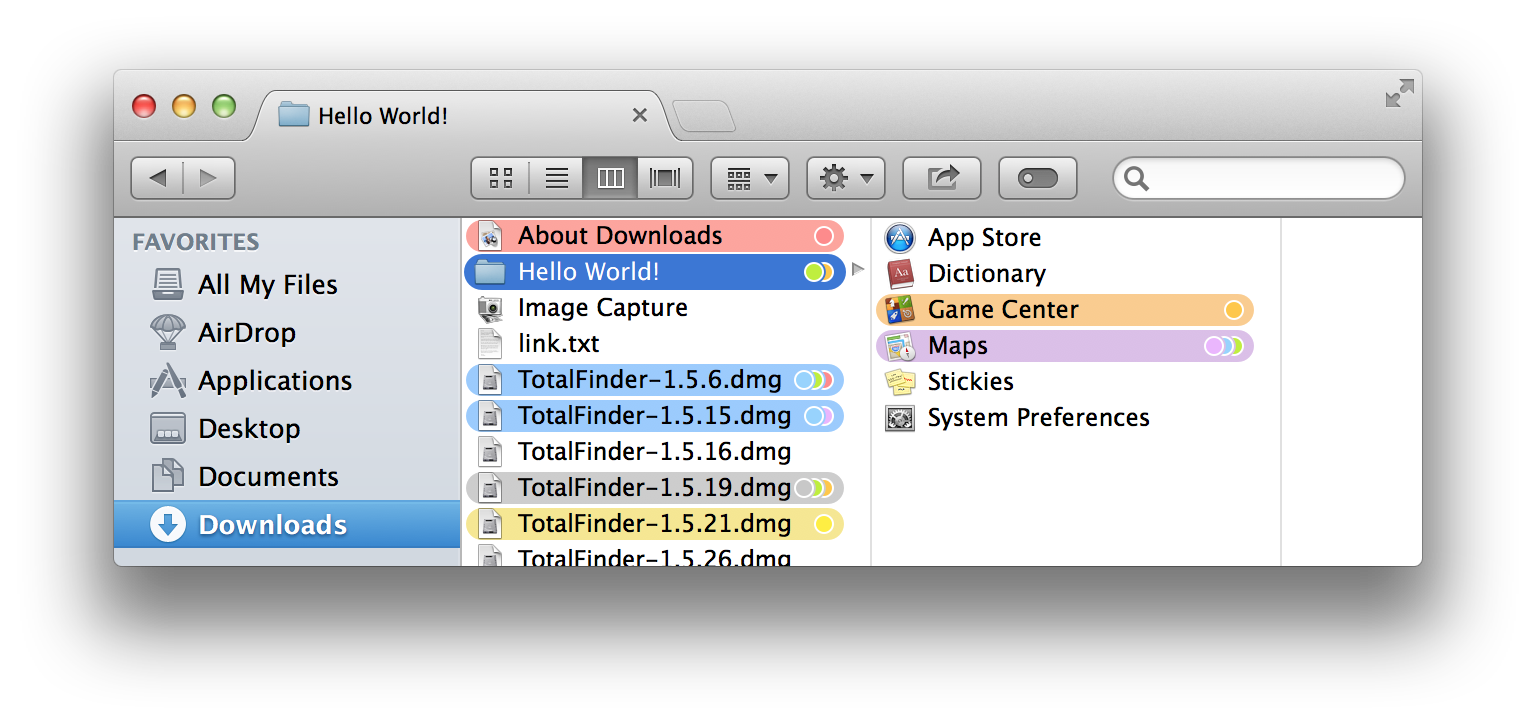
TotalFinder lets you enable highlighting items with colors. An item’s color is determined by the tag applied to it. You may still apply multiple tags but only the last tag is effective as a label color.
This feature mimics old Finder behaviour. I implemented this option because many people requested back colored labels from Mountain Lion. It is not enabled by default. You have to opt-in via Preferences -> TotalFinder -> File Browser -> Colored Labels.
Colored Labels in Icon View

Colored Labels in List View
Colored Labels in Column View
Colored Labels on Desktop